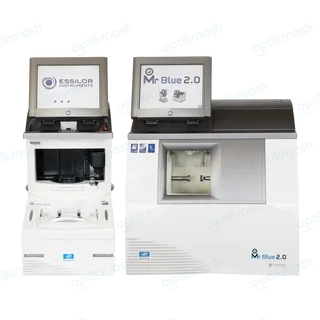
On the Essilor Mr Blue 2.0, the drilling function is available only when the tracer sends a shape containing drilling settings; if it is absent, the drilling menu is not accessible. Prepare or trace the drilled job on the tracer and send the shape again before starting the edging cycle.
Filed under Data & connectivity
The drilling function is not a general-purpose option that can be added to any shape at the edger. The edger must receive drilling data as part of the traced shape.
- Prepare the drilled job on the tracer, including its drilling settings.
- Send or call up the resulting shape on the Mr Blue 2.0.
- Confirm that the drilling function is available on the edging screen.
- Select the lens material, finish and cycle, then continue with automatic or customized drilling.
If the shape was traced without drilling settings, the edger cannot create the drilling points from the edger screen alone. This is different from customized drilling, where the edger can modify the diameter and angle of points that were already supplied by the tracer.