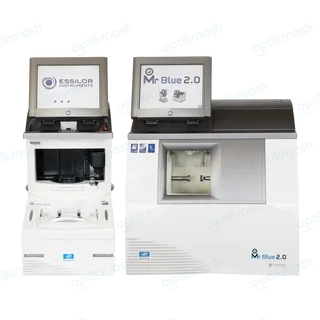
The answer
The Mr Blue 2.0 does not permit chamfering on a mixed job. Select the required bevel, groove or flat-edge combination without a chamfer, because the mixed-finish screen disables that option.
Filed under Settings & modes
A mixed job combines two finish types in different areas of the same lens, such as Bevel–Groove, Flat-edge–Groove or Flat-edge–Bevel. The machine requires the operator to define the two areas and does not provide chamfering as an additional mixed-job operation.
- Call up the traced shape.
- Select the mixed job.
- Define the finish for area 1 and area 2.
- Choose whether to polish the lens.
- Do not expect a chamfer control: the manual states that chamfering cannot be performed on a mixed job.
This limitation is specific to the mixed-job workflow. It does not mean that chamfering is unavailable for ordinary bevel, groove or flat-edge jobs.