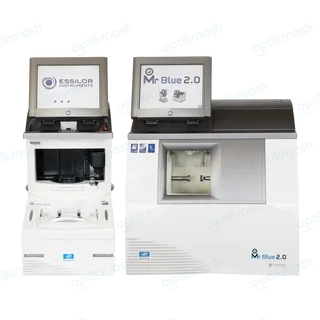
Essilor Mr Blue 2.0 Edger and Tracer setWhy can’t I select drilling on the Essilor Mr Blue 2.0 Edger?On the Essilor Mr Blue 2.0, the drilling function is available only when the tracer sends a shape containing drilling settings…Read: Why can’t I select drilling on the Essilor Mr Blue 2.0 Edger?
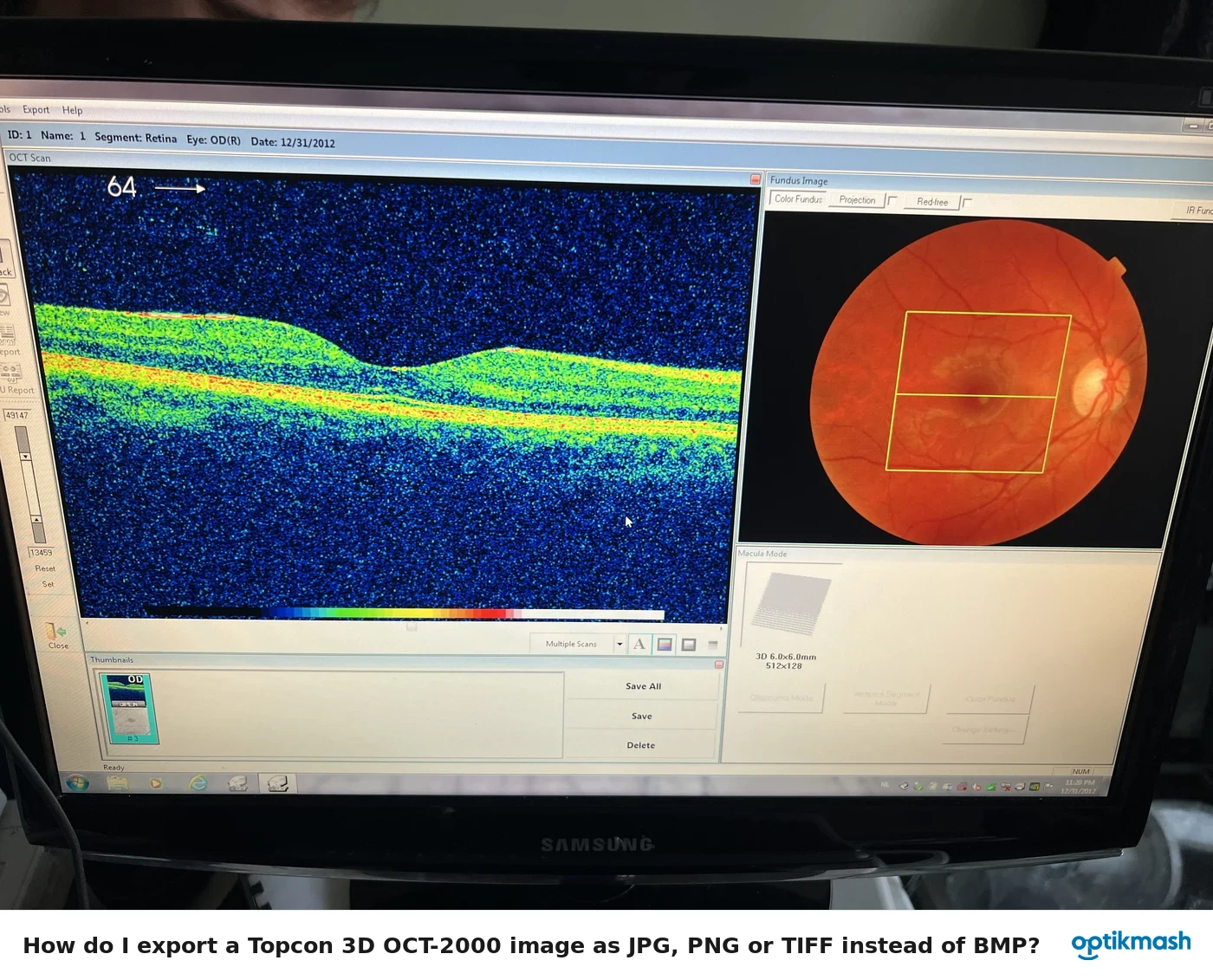
Topcon 3D OCT 2000How do I export a Topcon 3D OCT-2000 image as JPG, PNG or TIFF instead of BMP?Go to Tools→Options→Export, choose the image types and export destination, then set Export File Type to JPG, PNG or TIFF; the…Read: How do I export a Topcon 3D OCT-2000 image as JPG, PNG or TIFF instead of BMP?
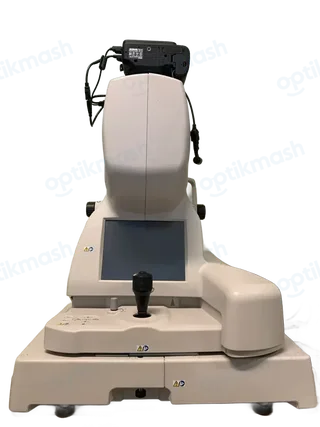
Topcon 3D OCT 2000Why does the Topcon 3D OCT-2000 report contain only raw data?If the image was not analyzed, or if analysis was not specified by Macro function, the report outputs only acquired data. Analyze…Read: Why does the Topcon 3D OCT-2000 report contain only raw data?
Topcon 3D OCT 2000Why are the Topcon 3D OCT-2000 report buttons disabled?The report output buttons are invalid when the scan-pattern combination is unsupported, no image is displayed in the View Mode…Read: Why are the Topcon 3D OCT-2000 report buttons disabled?
Topcon 3D OCT 2000Why does the Topcon 3D OCT-2000 say “3D OCT-2000 is not ready” when I start Capture?The message means the PC does not recognize the Topcon 3D OCT-2000 instrument body, usually because the USB cable is disconnected…Read: Why does the Topcon 3D OCT-2000 say “3D OCT-2000 is not ready” when I start Capture?
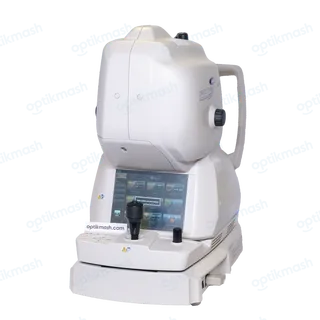
Topcon Triton Multimodal Swept-Source OCTWhat does Topcon Triton error [301405] mean when sending data fails?[301405] means transferring the data has failed, and the manual directs the operator to contact the service engineer. If the…Read: What does Topcon Triton error [301405] mean when sending data fails?