The answer
Go to Tools→Options→Export, choose the image types and export destination, then set Export File Type to JPG, PNG or TIFF; the default is BMP. Click the confirmation button, then use Export and save the image.
Filed under Data & connectivity
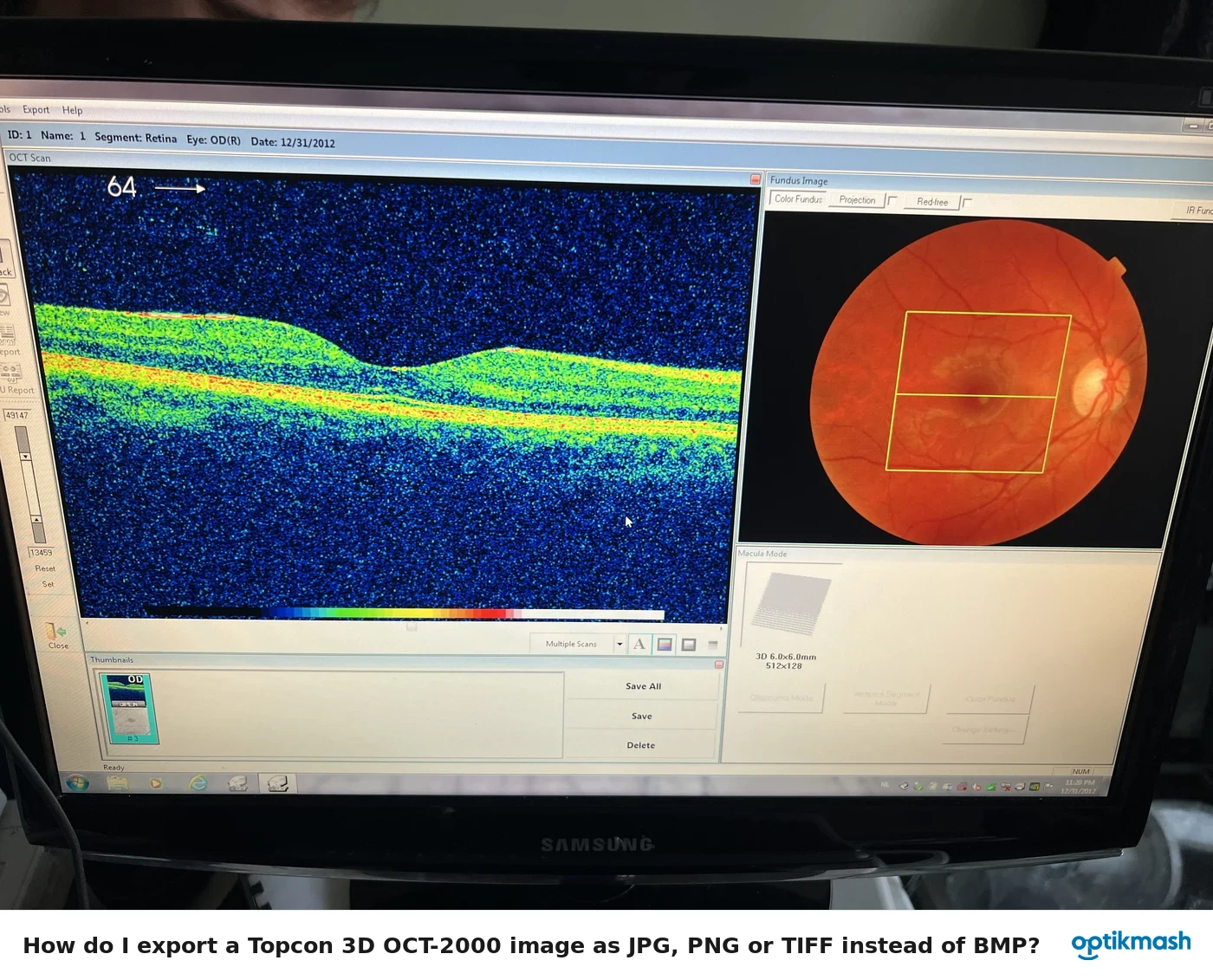
The export format is configured separately from the individual export command. In the Export Tab, the software initially selects all image types, sets the export path to C:\Temp, and uses BMP as the file type.
- From the menu bar, select
Tools→Options. - Open the Export Tab.
- Select the image types to be exported.
- Set the Export Path.
- Set Export File Type to
JPG,BMP,PNGorTIFF. - Confirm the options.
- Display the desired image, click Export, choose the image type, select the destination and click Save.
Batch Export uses the folder configured in the Batch Export tab.