The answer
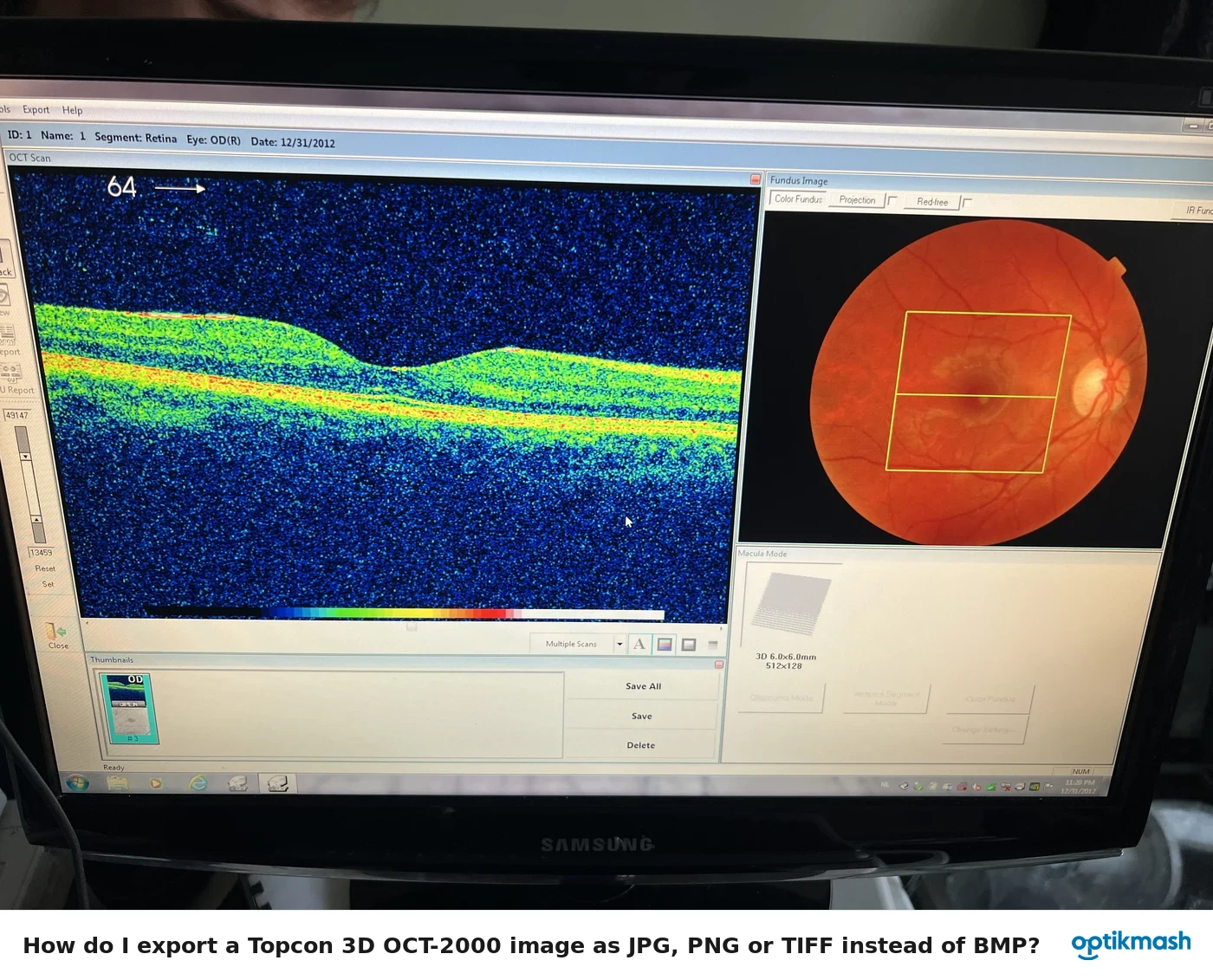
In Tools→Options on the Display Tab, the initial Volume Scale for Retina is 1:4 and the initial B-Scan Scale is 1:2. Each can be changed to 1:1, 1:2, 1:3 or 1:4; for Anterior, only 1:1 is usable for both.
Filed under Settings & modes
These two options sound similar but control different displays. Volume Scale applies to the volume display, while B-Scan Scale applies to the B-scan display. Both are configured from Tools→Options, on the Display Tab.
- Volume Scale, Retina: initially
1:4. - B-Scan Scale, Retina: initially
1:2. - Available Retina values for either setting:
1:1,1:2,1:3,1:4. - Anterior: only
1:1is usable for both.
The manual separately warns not to change these settings while analyzing, so make the required choice before analysis begins.