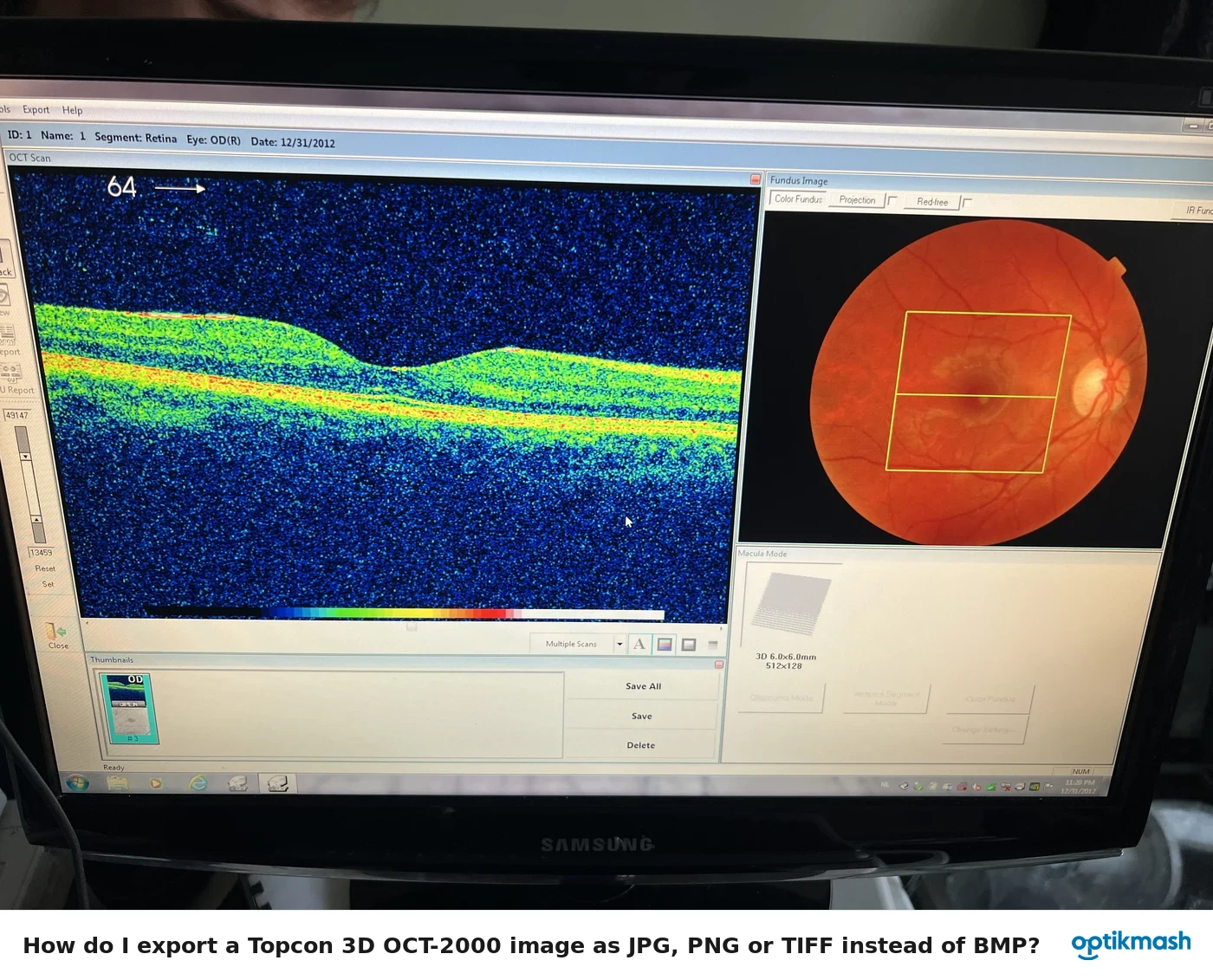
The manual states that Modify cannot be performed on an image photographed by OverSampling, so the Modify function is OFF when that image is selected. Select data that was not photographed by OverSampling if layer modification is required.
Filed under Image quality
This is a condition of the captured data, not a missing toolbar button or a failure of layer detection. The software intentionally disables Modify for images photographed using OverSampling.
For an image that supports modification, the normal layer-editing workflow can be used: select the relevant layer, choose Modify, edit the detected boundary, then save the result. That workflow does not restore modification for an OverSampling image.
The manual directs the operator to the 3D OCT-2000 instrument-body instruction manual for details about OverSampling. It does not provide a software command that converts an OverSampling image into a modifiable image; a new acquisition with an appropriate photography setting is therefore the manual-supported route.