The answer
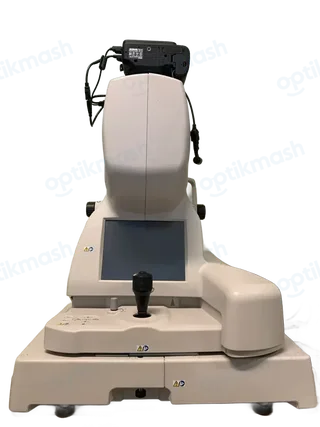
The message means the PC does not recognize the Topcon 3D OCT-2000 instrument body, usually because the USB cable is disconnected or the instrument is turned off. Before starting “Capture,” connect the instrument to the PC with the USB cable and turn the instrument on.
Filed under Data & connectivity
This message concerns the connection between the application and the instrument body, not the patient record or the scan settings. The manual identifies two likely causes: the USB cable is not connected, or the 3D OCT-2000 is not turned on.
- Exit or cancel the attempted Capture start.
- Check that the USB cable is connected between the PC and the Topcon 3D OCT-2000 instrument body.
- Turn on the instrument body.
- Start Capture again.
If the instrument is connected and powered but the message remains, the manual does not provide another operator adjustment; it says the PC must recognize the instrument before capture can begin.