The answer
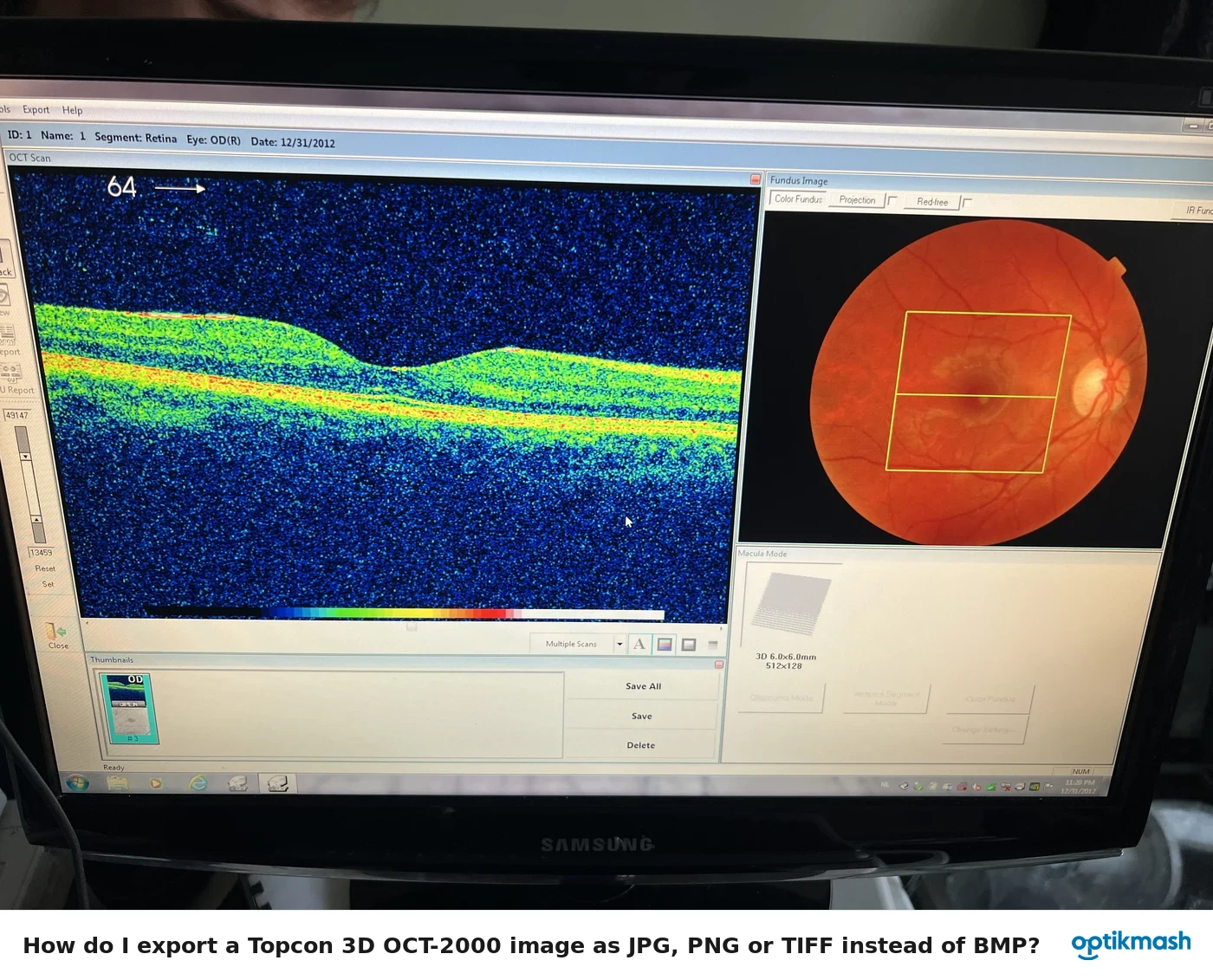
Select Overlay → Reposition, then drag the shadowgram with the left mouse button to the correct position. The shadowgram becomes transparent while it is being moved so it can be aligned with the color fundus image.
Filed under Image quality
Manual positioning is needed when automatic positioning is not correct because sufficient overlapping data was not provided. The transparency is part of the documented repositioning process and lets the fundus features remain visible while the shadowgram is moved.
- Open the analyzed tomogram and display the overlay.
- Click Overlay, then click Reposition.
- Place the cursor on the image.
- Hold down the left mouse button and drag the image to the desired location.
- Align the shadowgram with the appropriate features of the color fundus image.
Do not use Transparent as a substitute for repositioning: it changes visibility, while Reposition changes the overlay position.