The answer
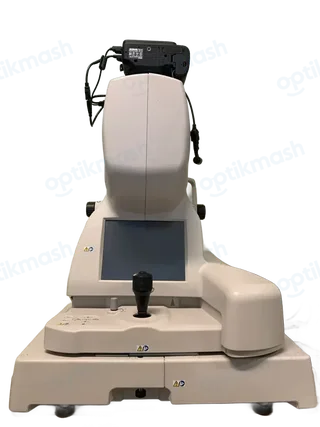
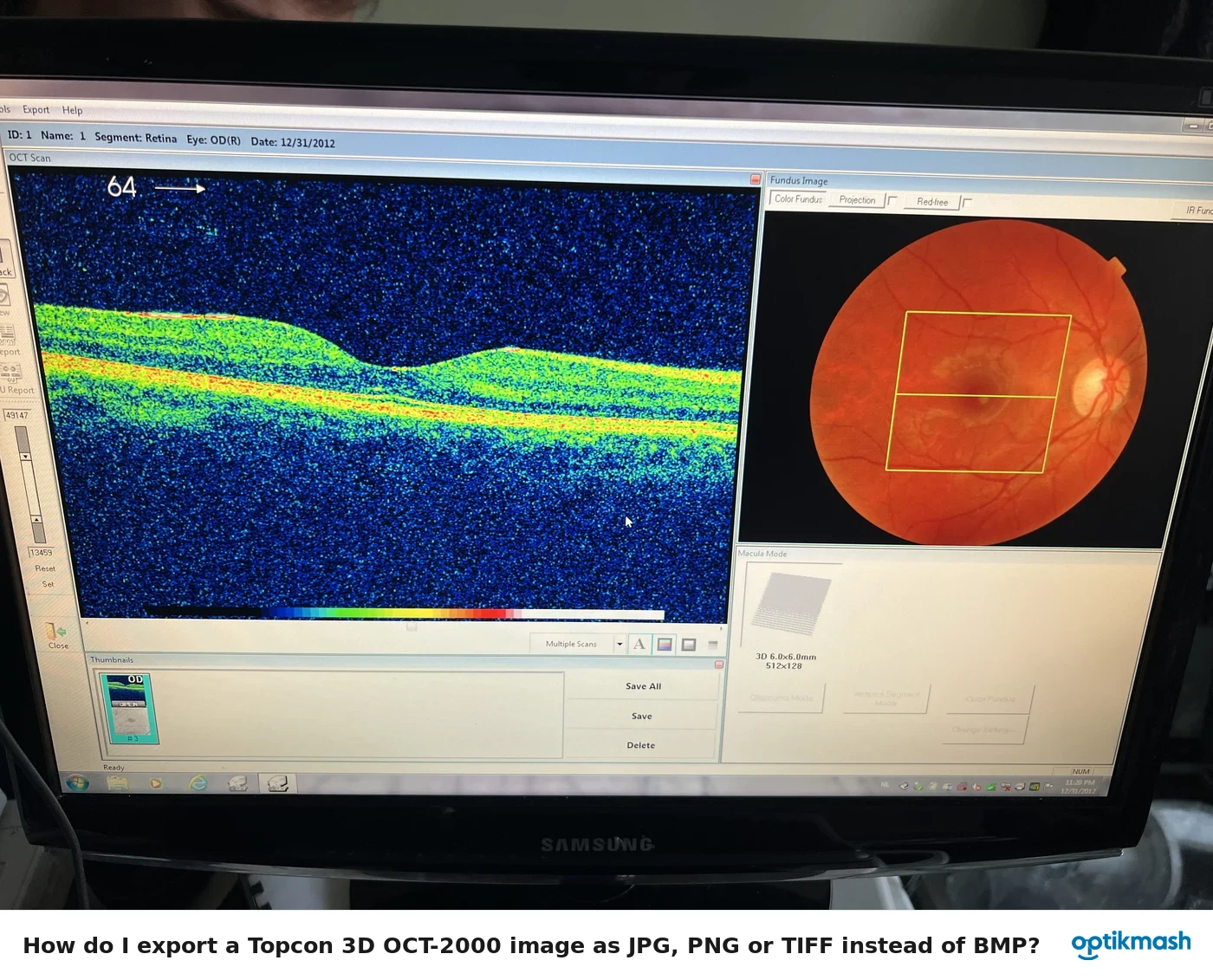
After the Topcon 3D OCT-2000 volume has been cropped, Subvolume is no longer available. Use Volume → Cropping only after deciding whether you need Subvolume, or reload the data before applying the crop.
Filed under Settings & modes
Cropping and Subvolume are separate volume operations, but applying Cropping changes which controls remain available. The manual explicitly states that once the image has been cropped, the Subvolume button is unavailable.
- Open the 3D tomogram.
- If you need to split the volume into parts, select Volume and then Subvolume first.
- If you instead need a sectional view, select Volume → Cropping.
- Drag the cropping handle to the desired position.
Do not expect the Subvolume button to remain usable after step 4. The manual does not describe an undo command that restores Subvolume after cropping, so reopening the original data is the safe documented recovery.