The answer
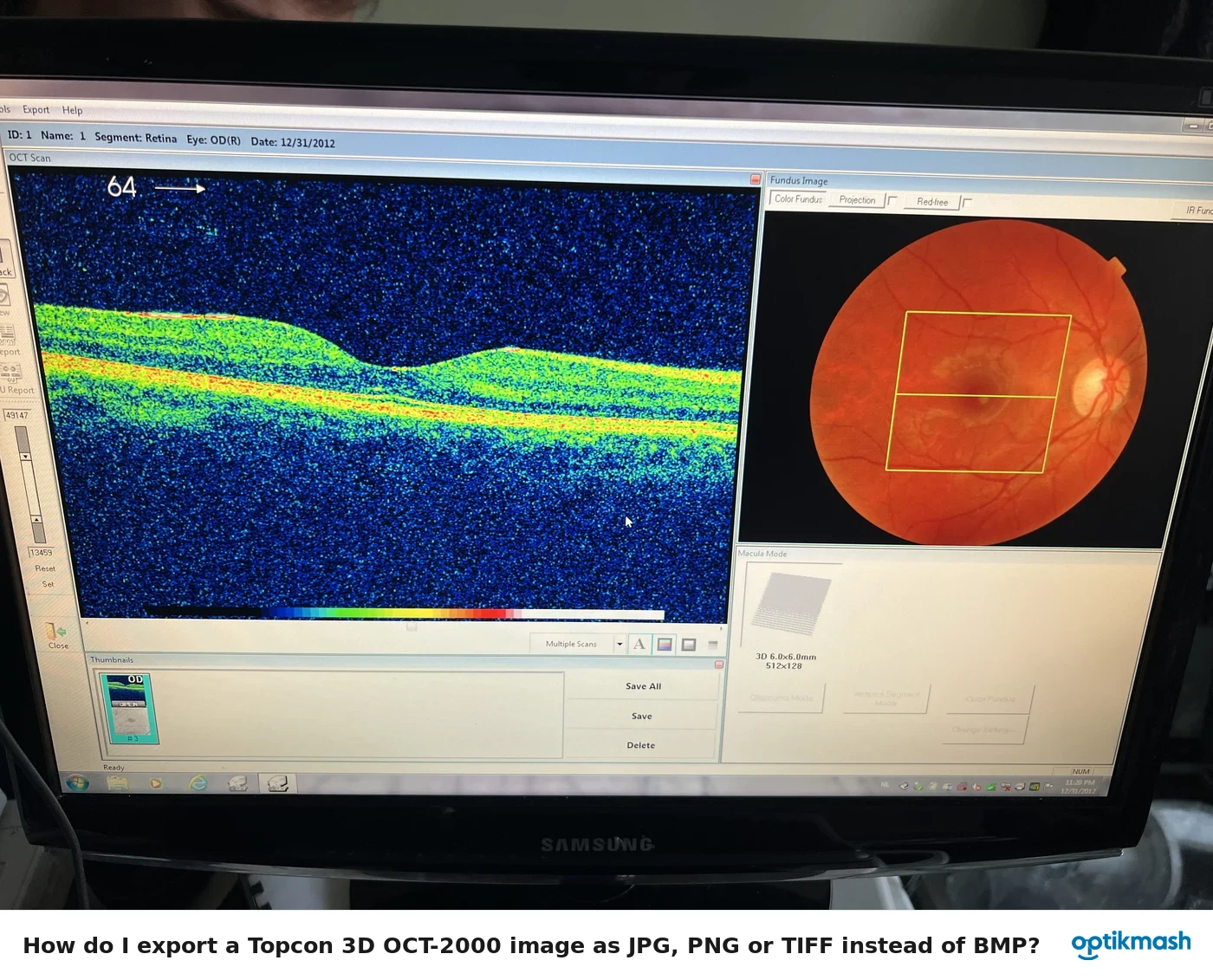
If the image was not analyzed, or if analysis was not specified by Macro function, the report outputs only acquired data. Analyze the tomogram first, then use Report or OU Report and select Generate Analysis Report.
Filed under Data & connectivity
The report screen can display either an analysis report or a raw-data report. The software does not create analysis content merely because a tomogram has been acquired or opened.
- Display the previously analyzed tomogram, or analyze the tomogram before reporting.
- Click Report or OU Report.
- If no report exists, click Generate Analysis Report for analyzed output.
- If only acquisition data is required, use Generate RawData Report.
When photographed data is saved, its report is automatically made by Macro function only if the analysis has been specified by that function. Otherwise, saving the image does not turn raw data into an analysis report.