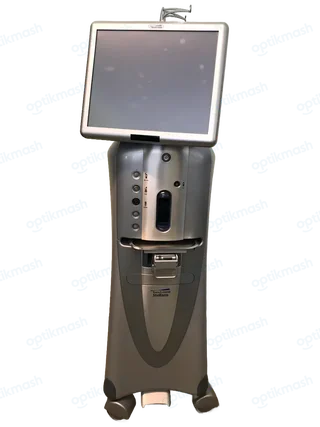
UIC06 means the cassette type does not match the procedure type. Press Yes to enter the matching procedure type for the displayed cassette, or press No to eject the cassette.
Filed under Attachments & accessories
UIC06 appears when the cassette loaded in the system does not match the procedure type currently selected. The system offers a choice rather than treating the condition as an automatic cassette failure.
- Read the cassette type shown in the message.
- Press
Yesif you want to enter the matching procedure type. - Press
Noif the cassette should be ejected instead.
The related UIC07 message is less flexible: it states that the cassette type does not match the procedure type and instructs the user to insert a posterior cassette. This means UIC06 and UIC07 should not be treated as identical prompts. A cassette can also be physically recognized while still being inappropriate for the selected procedure. Confirm the procedure type and cassette type before proceeding, then prime the correct configuration as required.