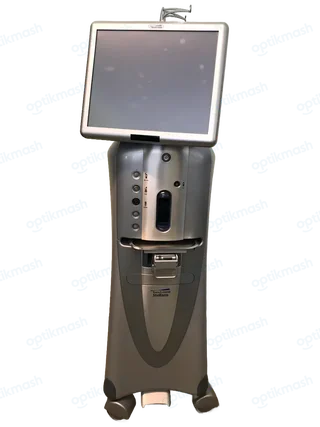
The answer
VFM14 means “The cassette is full.” Clamp the infusion line, empty and reinsert the cassette, select Prime, and then select Advance to Surgery; if the cassette is not actually full, call service if the message persists.
Filed under Error codes
VFM14 is a cassette-capacity warning, not a general vacuum fault. The manual’s recovery sequence is specific: stop fluid flow by clamping the infusion line, open the Setup screen, eject the cassette, empty it, reinsert it, open the irrigation clamp, and select Prime. After priming completes, select Advance to Surgery to return to the case.
- Clamp the infusion line.
- Select the
Setupicon. - Eject and empty the cassette.
- Reinsert the cassette and open the irrigation clamp.
- Select
Prime. - After priming, select
Advance to Surgery.
If the cassette is not full but the message remains, the suggested action is to call the product service representative.