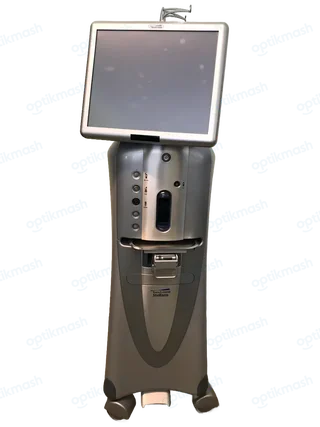
The initial setup requires the supplied Foot Control backup cable, compressed-air hose, power cord, and—if the optional MMC is installed—its data connection to the system and hospital network. The remote control is an optional accessory for the Anterior Domain.
Filed under Attachments & accessories
The manual identifies several connections that are easy to confuse with optional equipment. Before first use, connect the Foot Control to the system with the Foot Control backup cable provided with the system. Startup also requires the power supply cord and compressed-air connection.
An Ethernet cable can connect the system to the hospital network. If the optional MMC is installed, the Ethernet cable connects to the MMC, and the MMC connects in turn to the hospital network; the MMC also requires its data cable connection to the system.
The Remote Control is explicitly an optional accessory and is identified as Anterior Domain only. It is not required for the basic system startup. The manual also states that the remote control is not waterproof or sterilizable and must be placed in a sterile cover before use in the sterile field.