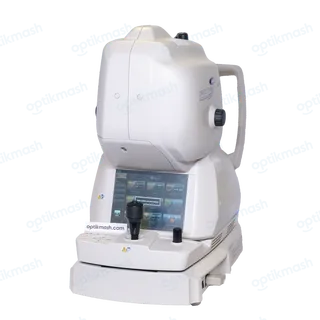
[509402] means a blink was detected during fundus photography, so the Triton stopped the capture. Check that the patient's eye is properly open and repeat the photograph.
Filed under Error codes
Error [509402] is the Triton's blink-detection message during fundus-image capture. The manual does not prescribe a service call for this code: it says to check whether the patient's eye is properly opened and take the picture again.
- Ask the patient to open the eye fully and keep looking at the fixation target.
- Repeat the alignment if necessary.
- Ask the patient not to blink immediately before and during photography.
- Start the photograph again.
The manual also states that, in the ordinary fundus-photography sequence, if the patient blinks right before photography, automatic blink detection stops the photography and the procedure must be started again from alignment. This is different from [500415], which concerns a probable incorrect 3D scan position caused by eye movement, and [500416], which means tracking failed during photography.