The answer
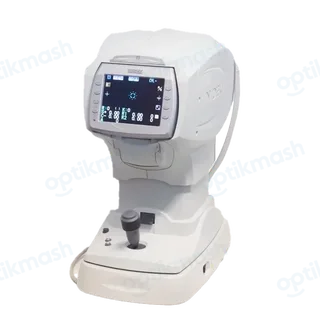
The NIDEK TONOREF II requires the optional barcode reader or magnetic card reader, connected by USB to the bottom USB-A port, and the READER parameter must be enabled. Read the patient ID before printing; the latest ID read is printed with the measured result.
Filed under Attachments & accessories
- Turn off the TONOREF II and the reader.
- Connect the reader’s USB cable to the USB-A port at the bottom of the TONOREF II, with the device on its side.
- Attach the optional ferrite core to the TONOREF II interface-cable connector.
- Check the
READERparameter in the parameter-setting screen. - Read the patient ID before printing the measurement.
The reader is not a generic USB accessory: the manual says to connect only the provided barcode or magnetic card reader. For barcodes, use CODE39. If a new ID is read while printed measurement data is displayed, the instrument treats that data as belonging to a previous patient and automatically deletes it. If different IDs are read, the latest one before printing is used.