The answer
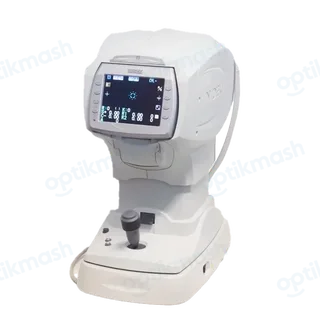
In RKT mode, the NIDEK TONOREF II normally changes from R/K to NT after R/K measurement when the main body is pulled fully toward the operator. With 72. CHANGE MODE set to MANUAL, pull the body back and press the start button to switch manually.
Filed under Settings & modes
The three measurement modes are different: RKT performs R/K measurement followed by NT measurement, R/K performs only R/K measurement, and NT performs only tonometry. The changeover is controlled by 72. CHANGE MODE.
- Complete the R/K measurement in
RKTmode. - When
PULL BACKappears, pull the main body fully toward the operator. - Wait while the internal measuring unit changes; the anterior segment observation screen is shown during switching.
- If
CHANGE MODEisMANUAL, press the start button after pulling the body back.
With AUTO, pulling the body back after PULL BACK is displayed performs the changeover without the extra start-button press.