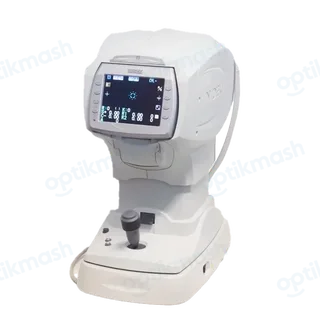
The NIDEK TONOREF II may not auto-track or auto-shot on eyes with keratoconus, a recently operated cornea, substantial ocular ataxia, or poor fixation; reflected room light or sunshine can also interfere. Turn the functions off with the auto button and measure manually, or move the device away from the interfering light.
Filed under Image quality
The manual distinguishes a device setting problem from an eye or environment problem. First press the auto button to confirm that auto-tracking and auto shot are enabled. If the functions still fail, the eye may be unsuitable for automatic alignment—for example, keratoconus, a recently operated cornea, substantial ocular ataxia, or an inability to fixate.
Reflected room illumination and direct sunshine through a nearby window can also interfere with these functions. In those cases, change the device position and try again. For a difficult eye, use manual alignment instead of repeatedly pressing the auto button: turn off auto-tracking, bring the eye into focus yourself, and start the measurement. This is particularly relevant when the pupil is small or the corneal vertex is displaced from the pupil center.