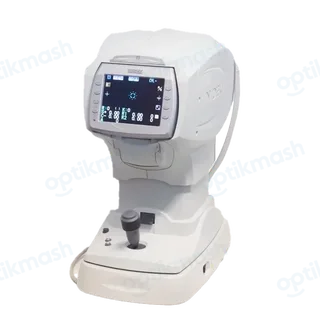
The NIDEK TONOREF II prints “PRESSURE PEAK ERROR”, “PRESSURE SLOPE ERROR” or “NO PRESSURE UP” when its puffed-air pressure check detects an abnormal result. Turn the device off while in NT Measurement mode, clean the air nozzle, and allow the pressure check to run again at the next power-up.
Filed under Calibration & alignment
At startup, the TONOREF II checks puffed air at 40 mmHg and 60 mmHg, then checks the measuring window. A pressure error causes the device to repeat the puffed-air check at the next power-up and at each subsequent power-up until the pressure is no longer abnormal.
- Put the device into NT measurement mode.
- Turn the device off.
- Inspect and clean the air nozzle.
- Turn the device on and wait for the automatic check.
The check can be controlled with 71. PRESSURE CHECK: YES checks at every startup, DAY checks at the first startup of the day, and NO disables it. If the patient sensor detects a patient or object, the pressure check is skipped.